Purchased lists have a reputation for landing in spam — but that’s usually a result of how they’re used, not an inevitability. With the right practices, you can keep emails to a bought list reaching real inboxes. Here’s how to stay out of the spam folder.
Why Purchased Lists Risk the Spam Folder
Purchased lists carry spam risk because they’re cold (recipients didn’t sign up), often contain some stale addresses, and tempt senders into high-volume blasts. Each of these signals spam-like behavior to mailbox providers. The good news is that all are manageable — the spam folder is usually a consequence of avoidable mistakes, not the list itself.
Start With Clean, Validated Data
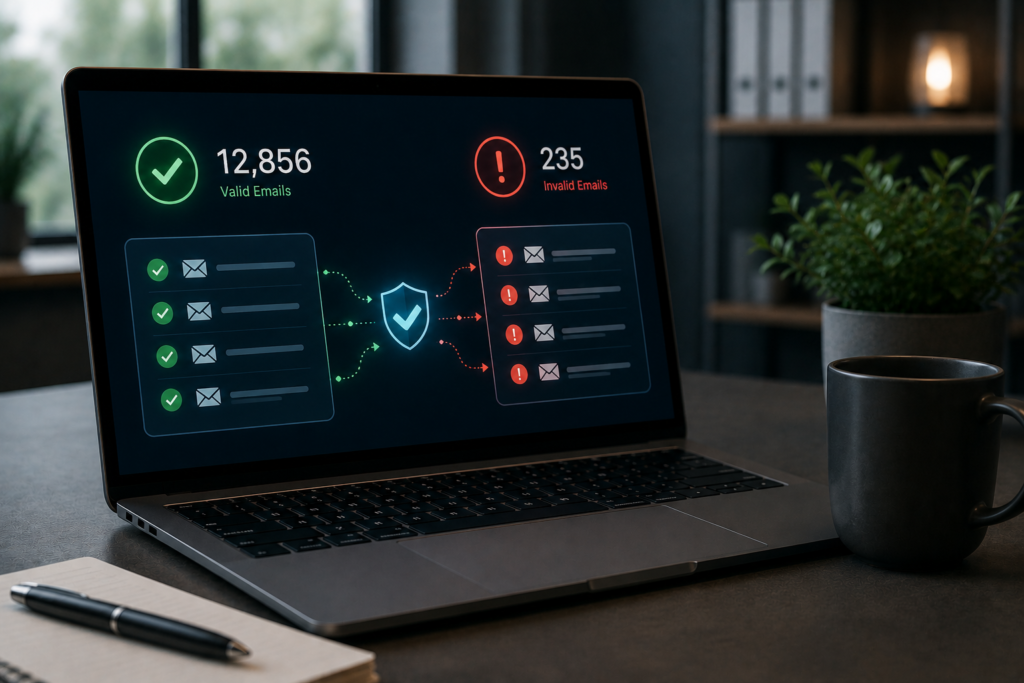
The foundation is data quality. Validate emails before sending to remove invalid addresses, since bounces are a strong spam signal that damages your reputation. Sending to a clean, current list keeps your bounce rate low and your reputation intact — the single most important factor in staying out of spam.
Protect Your Sender Reputation
Sender reputation is what mailbox providers use to decide inbox versus spam. Protect it by warming up your domain, sending at sustainable volumes, keeping bounces and complaints low, and maintaining consistent sending patterns. A strong reputation built over time is your best defense; one careless blast to a bad list can undo it.
Get the Technical Setup Right
Proper email authentication — the technical records that verify you’re a legitimate sender — is essential for deliverability. Without correct authentication, even good emails can be filtered. Ensure your sending domain is properly configured before you start; it’s a foundational, often-overlooked requirement for reaching inboxes.
Send Relevant, Non-Spammy Messages
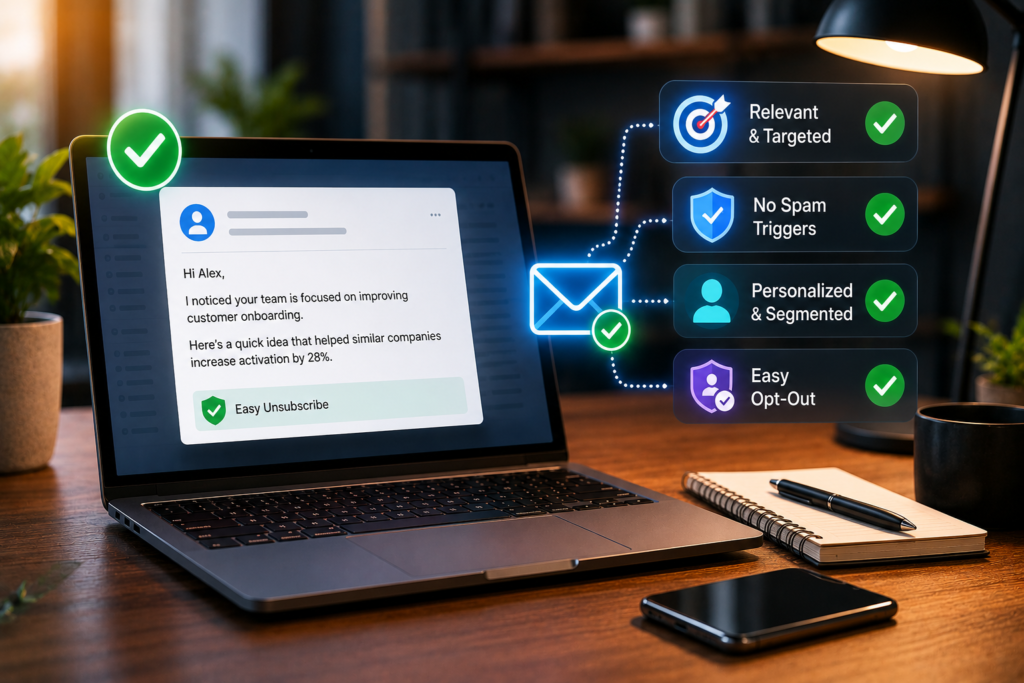
Content and relevance matter too. Highly relevant, well-targeted messages get fewer spam complaints than irrelevant blasts, and complaints hurt your reputation. Avoid spam-trigger behaviors like misleading subject lines and aggressive sales language, personalize and segment your outreach, and always include an easy opt-out. Relevance keeps complaints low, which keeps you out of spam.
Scale Gradually and Monitor
Don’t go from zero to a massive blast. Scale your sending volume gradually, monitor deliverability, bounce, and complaint rates, and pull back if metrics worsen. Watching the signals lets you catch reputation problems early, before they push you into the spam folder en masse. Gradual, monitored sending is far safer than a big, blind launch.
Key Takeaways
Avoiding the spam folder with purchased lists comes down to controllable practices: validate data to keep bounces low, protect your sender reputation through warm-up and sustainable volumes, get email authentication right, send relevant non-spammy messages with easy opt-outs, and scale gradually while monitoring. The list itself rarely dooms you to spam — how you use it usually decides.
Frequently Asked Questions
Why do purchased lists often land in spam?
Because they’re cold, may contain stale addresses, and tempt high-volume blasts — all spam-like signals. But these are manageable, not inevitable.
How do I keep emails out of spam?
Validate data to keep bounces low, protect sender reputation, set up authentication correctly, send relevant messages with easy opt-outs, and scale gradually.
Does data quality affect spam placement?
Yes, strongly. Bounces from invalid addresses are a major spam signal, so validating emails before sending is foundational.
What is sender reputation?
The score mailbox providers use to decide inbox versus spam. It’s built over time through good sending behavior and easily damaged by bad practices.
Why does email authentication matter?
Because it verifies you’re a legitimate sender. Without correct authentication, even good emails can be filtered to spam.
Does message relevance affect deliverability?
Yes. Relevant, well-targeted messages get fewer spam complaints, and complaints hurt reputation. Segmenting and personalizing helps keep complaints low.
Should I include an opt-out?
Always. An easy opt-out reduces spam complaints and is a baseline compliance practice, both of which protect deliverability.
Can one bad blast hurt future emails?
Yes. A careless blast to a bad list can damage your sender reputation, hurting deliverability for all subsequent sending.
How fast should I scale sending?
Gradually, while monitoring deliverability, bounce, and complaint rates, pulling back if metrics worsen. Avoid going from zero to a massive blast.
Is the spam folder the list’s fault?
Rarely. It’s usually a result of how the list is used — poor data hygiene, no warm-up, irrelevant blasts — all of which are controllable.