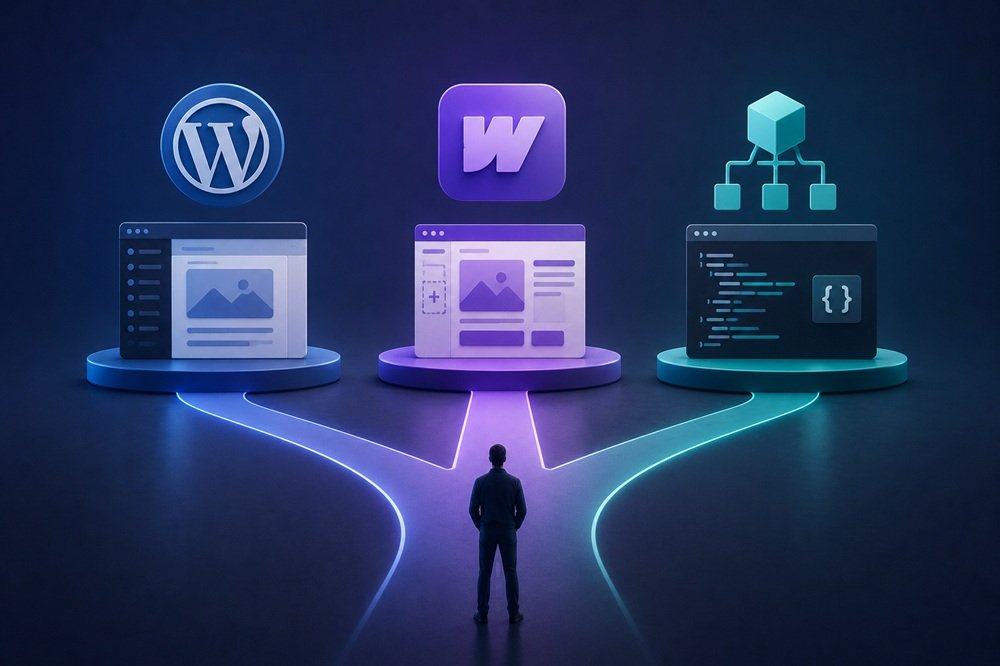
Three different philosophies
The three approaches differ fundamentally in how they balance control, ease, and flexibility.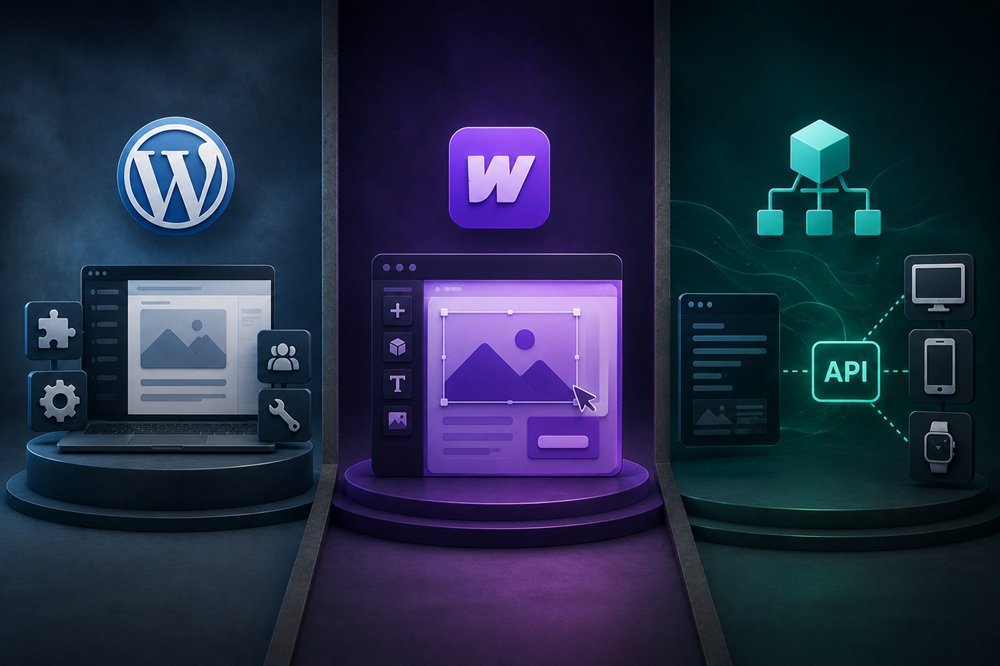 WordPress is the established, dominant CMS — mature, enormously flexible through its vast ecosystem of themes and plugins, and supported by a huge community. It powers a large share of the web. Its strengths are flexibility, ecosystem, familiarity, and control; its tradeoffs are that it requires maintenance (updates, security, plugin management) and can become bloated or insecure if poorly managed. It suits a wide range of sites, especially content-heavy ones, where its flexibility and ecosystem are valuable.
Webflow is a visual, design-focused website builder that produces clean sites through a designer-friendly visual interface, with hosting included. Its strengths are design control without heavy coding, a managed/hosted experience (less maintenance burden), and clean output. Its tradeoffs are less flexibility than WordPress’s ecosystem for complex functionality, platform lock-in, and ongoing platform costs. It suits design-led sites where visual control and reduced maintenance matter more than deep extensibility.
Headless CMS separates the content management (back end) from the presentation (front end), letting developers build a custom front end while managing content through a flexible API-driven back end. Its strengths are maximum flexibility, performance, and the ability to deliver content across multiple channels. Its tradeoffs are greater technical complexity and development requirements — it’s a developer-oriented architecture. It suits sophisticated, performance-critical, or multi-channel needs where the flexibility justifies the complexity.
The choice depends on your needs: WordPress for flexible, content-rich sites with a strong ecosystem; Webflow for design-led sites wanting less maintenance; headless for sophisticated, custom, performance-critical builds.
WordPress is the established, dominant CMS — mature, enormously flexible through its vast ecosystem of themes and plugins, and supported by a huge community. It powers a large share of the web. Its strengths are flexibility, ecosystem, familiarity, and control; its tradeoffs are that it requires maintenance (updates, security, plugin management) and can become bloated or insecure if poorly managed. It suits a wide range of sites, especially content-heavy ones, where its flexibility and ecosystem are valuable.
Webflow is a visual, design-focused website builder that produces clean sites through a designer-friendly visual interface, with hosting included. Its strengths are design control without heavy coding, a managed/hosted experience (less maintenance burden), and clean output. Its tradeoffs are less flexibility than WordPress’s ecosystem for complex functionality, platform lock-in, and ongoing platform costs. It suits design-led sites where visual control and reduced maintenance matter more than deep extensibility.
Headless CMS separates the content management (back end) from the presentation (front end), letting developers build a custom front end while managing content through a flexible API-driven back end. Its strengths are maximum flexibility, performance, and the ability to deliver content across multiple channels. Its tradeoffs are greater technical complexity and development requirements — it’s a developer-oriented architecture. It suits sophisticated, performance-critical, or multi-channel needs where the flexibility justifies the complexity.
The choice depends on your needs: WordPress for flexible, content-rich sites with a strong ecosystem; Webflow for design-led sites wanting less maintenance; headless for sophisticated, custom, performance-critical builds.
Common questions
Is WordPress, Webflow, or a headless CMS best for a B2B website in 2026?
There is no universal winner. For most B2B marketing websites, WordPress is the safest all-around choice, Webflow is attractive when design and editor simplicity are priorities, and headless CMS architecture makes the most sense when you have a strong engineering team and genuinely complex digital requirements.
When should a B2B company choose WordPress?
Choose WordPress when you need a flexible, content-heavy marketing website with strong publishing capabilities, extensive integrations, and control over your technology stack. WordPress is open source, highly extensible through plugins and APIs, and supports custom post types and taxonomies.
It is particularly well suited to B2B companies with large resource libraries, blogs, landing pages, case studies, SEO programs, and teams that need substantial control over content.
When should you choose Webflow?
Webflow is a strong choice when the website is primarily a sophisticated marketing experience and the team values visual design, managed hosting, and a relatively streamlined editing environment. Its CMS is designed for structured content and SEO-driven pages, while its managed platform reduces the amount of infrastructure your team needs to maintain.
Webflow’s 2026 pricing and plans have also changed substantially, so older comparisons can be misleading. Its current Premium Site plan is $25/month annually or $39/month monthly, with higher-tier and enterprise options available.
When does a headless CMS make sense?
Headless becomes compelling when the website is effectively part of a broader digital product rather than simply a marketing site. Examples include:
- Multiple front ends consuming the same content
- Highly customized interactive experiences
- Web applications alongside marketing pages
- Complex personalization
- Large-scale content operations
- Strong engineering resources
- Advanced performance or infrastructure requirements
- Content distributed to websites, apps, portals, or other channels
A typical headless architecture might use a CMS for content and a framework such as Next.js for the presentation layer. That gives developers considerable control, but it also introduces more infrastructure and engineering responsibility.
Which is easiest for a marketing team to manage?
Generally, Webflow and WordPress are easier for non-developers than a headless architecture.
WordPress offers a mature publishing ecosystem and extensive extensibility. Webflow emphasizes visual editing and managed infrastructure. Headless systems typically require more developer involvement because the CMS and front end are separate systems.
Which is best for SEO?
All three can support strong SEO. The CMS itself is rarely the deciding factor.
What matters more is whether your implementation handles technical SEO, page speed, crawlability, structured data, canonical URLs, redirects, internal linking, metadata, content architecture, and indexation correctly.
A well-built WordPress site can outperform a poorly implemented headless site, and the same is true for Webflow.
Which platform is best for a large B2B content library?
WordPress is usually the strongest default. Its custom post types, taxonomies, plugins, APIs, and publishing ecosystem make it well suited to sites containing large numbers of articles, case studies, resources, authors, industries, products, and other structured content.
Webflow can also handle substantial structured content, and its 2026 Premium plan increased CMS capacity substantially.
Which is best for a highly customized B2B website?
For pure design flexibility, Webflow and WordPress can both work extremely well. For deep application-level customization, headless generally offers the greatest architectural freedom.
The trade-off is complexity. With headless, your team is responsible for more of the system: front-end development, deployments, hosting architecture, integrations, caching, monitoring, and potentially multiple services.
Which option is cheapest?
There is no simple platform-price comparison because the biggest cost is usually implementation and ongoing development, not the CMS license.
WordPress software itself is free and open source, but you pay for hosting, development, plugins, maintenance, and support.
Webflow has predictable platform pricing, but larger requirements can introduce higher-tier plans, bandwidth considerations, seats, and add-ons. Its 2026 pricing changes make it important to calculate the actual plan based on your site’s usage.
Headless usually has the highest implementation and engineering overhead.
Which is easiest to maintain?
For most B2B teams:
Webflow → easiest operationally
WordPress → flexible but requires maintenance
Headless → most engineering-intensive
This isn’t an absolute ranking. A professionally managed WordPress installation can require very little internal effort, while a poorly configured Webflow implementation can still become difficult to manage.
Which is best for integrations?
WordPress is particularly strong when you need to connect many third-party systems because of its mature plugin and API ecosystem. It can integrate with CRMs, marketing automation, analytics, search, ecommerce, forms, and virtually any system with an appropriate API.
Headless can be even more flexible technically, but integrations generally require more development work.
Webflow supports many integrations and APIs, but unusual or deeply customized workflows may require external services or custom development.
Should a B2B startup choose headless?
Usually not unless there is a clear technical reason.
A startup typically benefits more from speed of publishing, low operational complexity, strong SEO, easy landing-page creation, and manageable costs than from architectural sophistication. WordPress or Webflow will generally satisfy those requirements without creating unnecessary engineering overhead.
Should an enterprise B2B company choose headless?
Potentially. If the organization has multiple digital properties, sophisticated personalization, large content operations, multiple front ends, or an established engineering organization, headless can provide meaningful advantages.
But enterprise size alone is not a reason to go headless. If the company primarily needs a high-performing marketing website, a well-engineered WordPress or Webflow implementation may still be the better business decision.
What is the biggest mistake when choosing a CMS in 2026?
Choosing the technology based on what is technically impressive rather than what the business actually needs.
A useful decision framework is:
| If your priority is… | Best starting point |
|---|---|
| Flexible B2B marketing site | WordPress |
| Visual design + managed platform | Webflow |
| Large content operation | WordPress |
| Minimal infrastructure management | Webflow |
| Complex application experience | Headless |
| Multiple front ends/channels | Headless |
| Broad plugin/integration ecosystem | WordPress |
| Strong internal engineering team | Headless becomes more attractive |
So, which should you choose?
For a typical B2B website redesign in 2026, I’d use this rule:
Choose WordPress by default. Choose Webflow if simplicity and visual production are more important than maximum extensibility. Choose headless only when you can clearly identify a requirement that justifies the additional complexity.
The best architecture is the one that gives your marketing team the capabilities it needs without creating technical complexity that produces no measurable business benefit.